
Room Preview
See a floor in the room.
Lay any of the 24 surfaces into one of our rooms, or into a photograph of your own, and turn the planks and the plank width until the floor looks like yours. The drawing happens on your device.
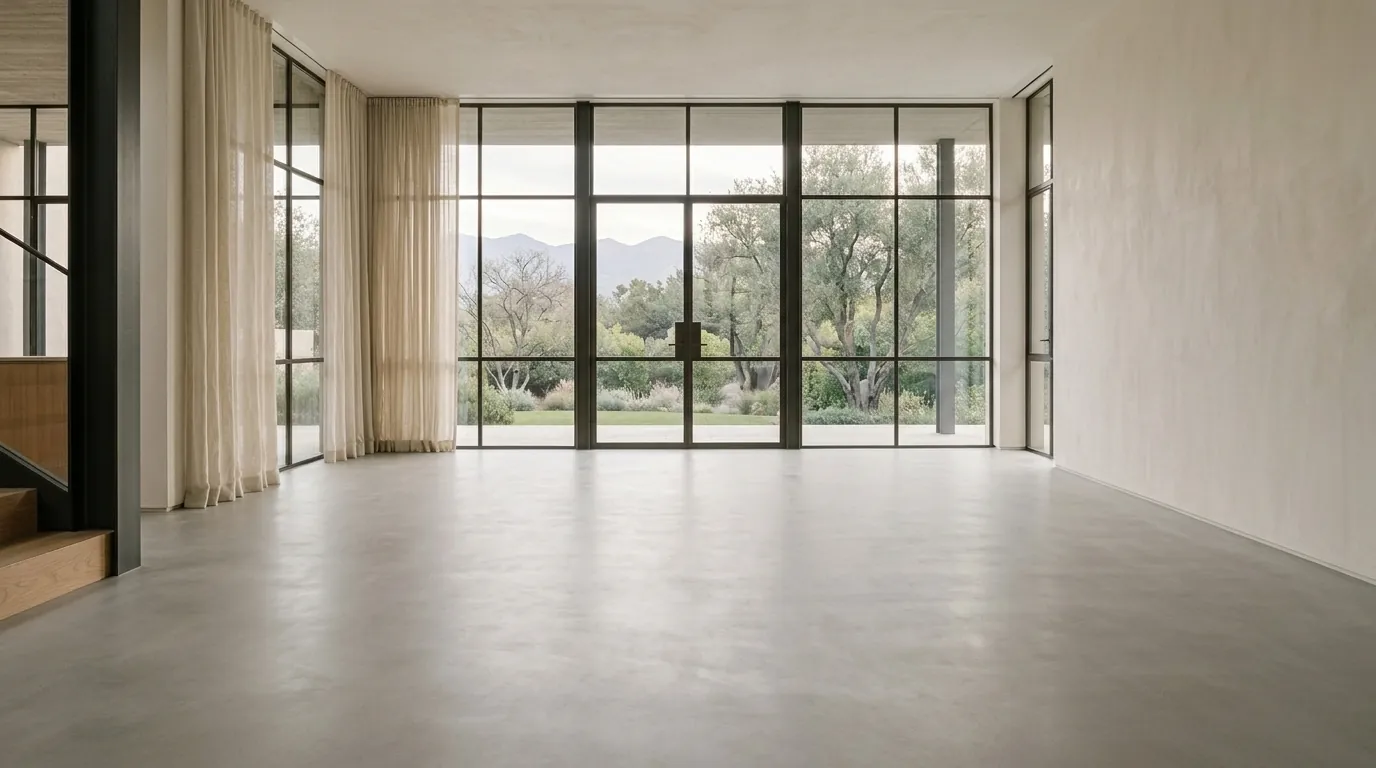
Simulation. Lighting and screens change how color looks. Order a free sample before you buy.
Your photo stays on this device. It is read in your browser to draw the preview, and it is never uploaded to us or to anyone else.
Put the two back markers where your floor meets the far wall, and the two front markers further forward on it. They set the angle, and the plank then fills everything from that wall line down to the bottom of the photo. With a marker in focus, an arrow key moves it one pixel and shift with an arrow key moves it ten.